Drafft Classic
A downloadable game planner for Windows, macOS, and Linux
Drafft Classic
Drafft Classic is the original version of Drafft, now released for free for hobbyists, students, and small experiments.
It is no longer actively developed, but remains available for anyone who wants to explore the workflow.
The new generation of Drafft introduces major improvements to narrative systems, structured data editing, and project workflows.
→ Get the new Drafft at drafft.dev
⚠️ Drafft Classic is provided as-is and will not receive future updates.
Registration
You can unlock Drafft Classic using the following key:
MDMEH-ZHYPD-JDYTM-DFC
Previous Customers
If you purchased Drafft before April 1, 2025, you are eligible for a free perpetual upgrade to Drafft v2.
If you didn’t receive your new license, please contact support@drafft.dev with the email used for the purchase.
Thanks for your support!
Main Features:
Drafft is a sleek, efficient game development tool aimed to reduce file clutter and provide a centralized hub for all the various aspects of your game development process. It could be defined as of game dev cms.
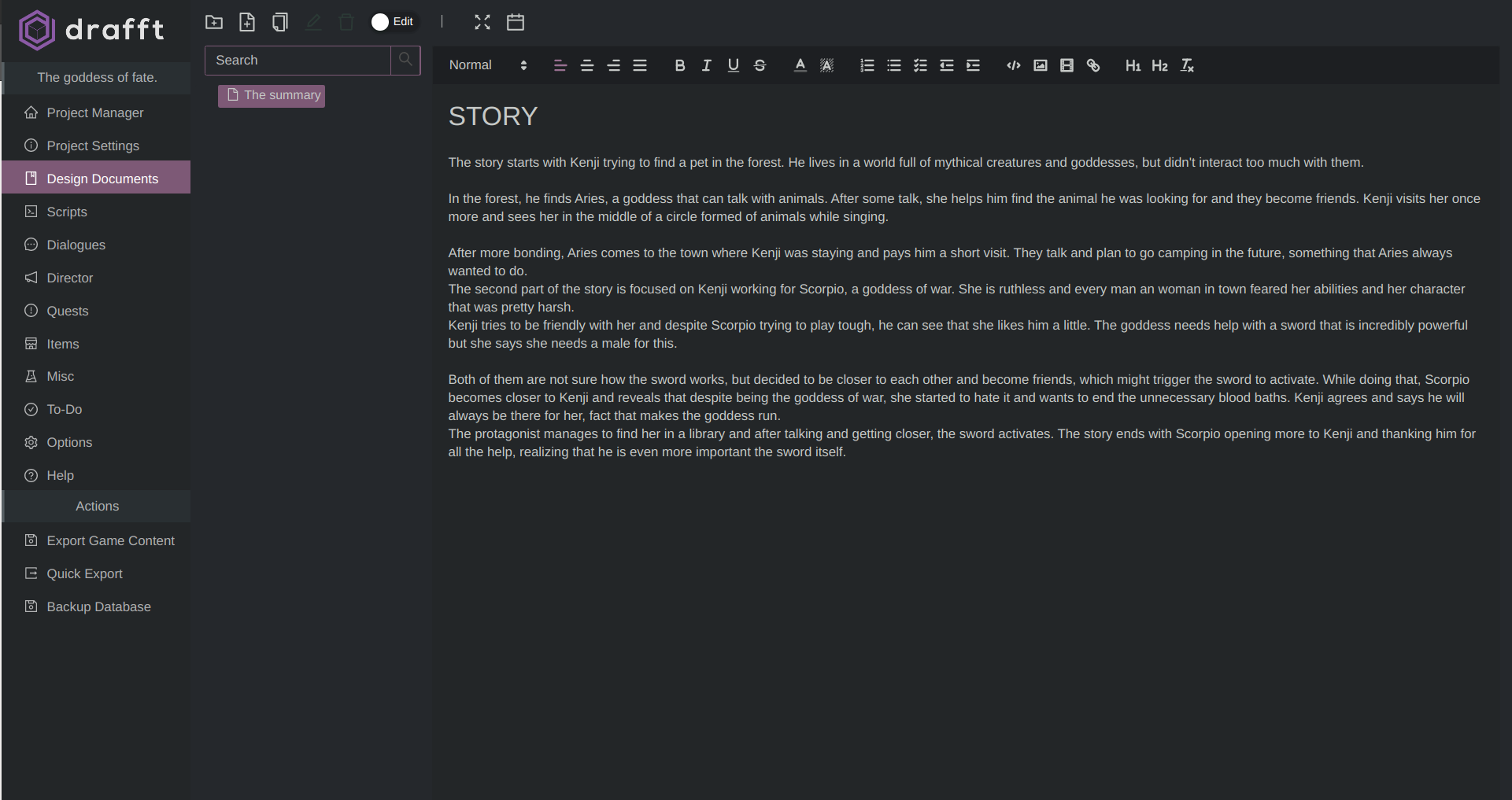
- GDD (Game design Document) editor.
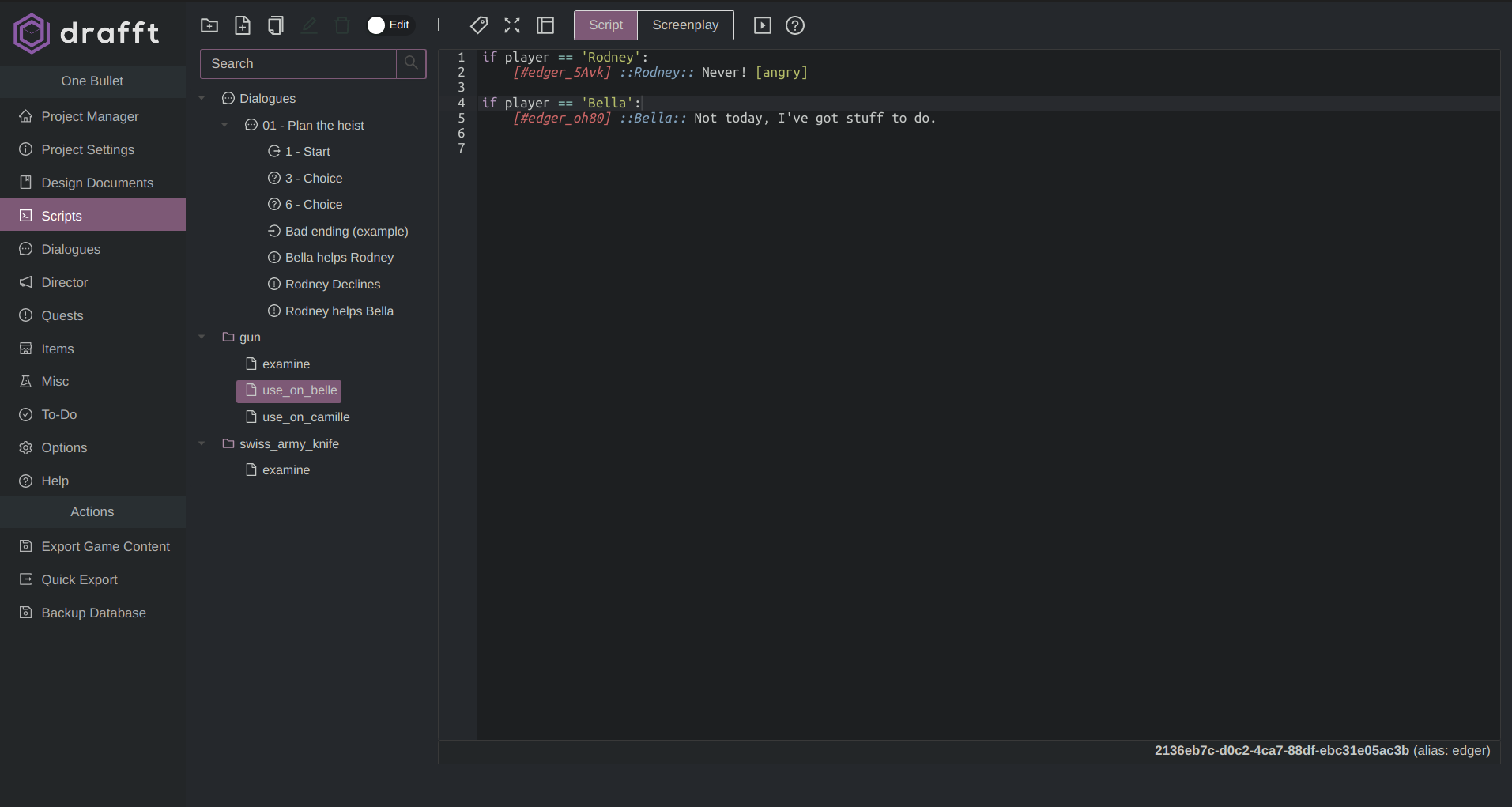
- Scripting editor.
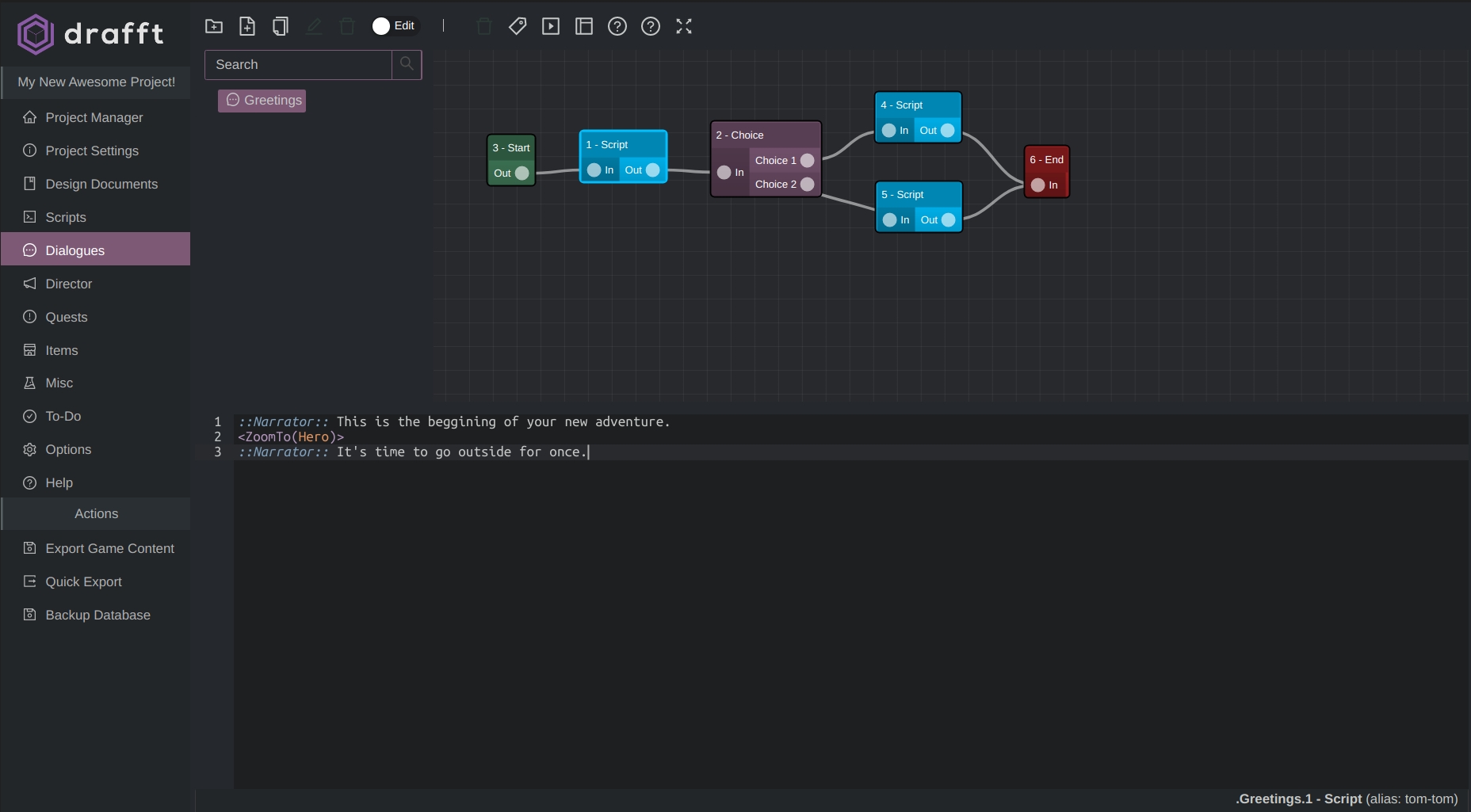
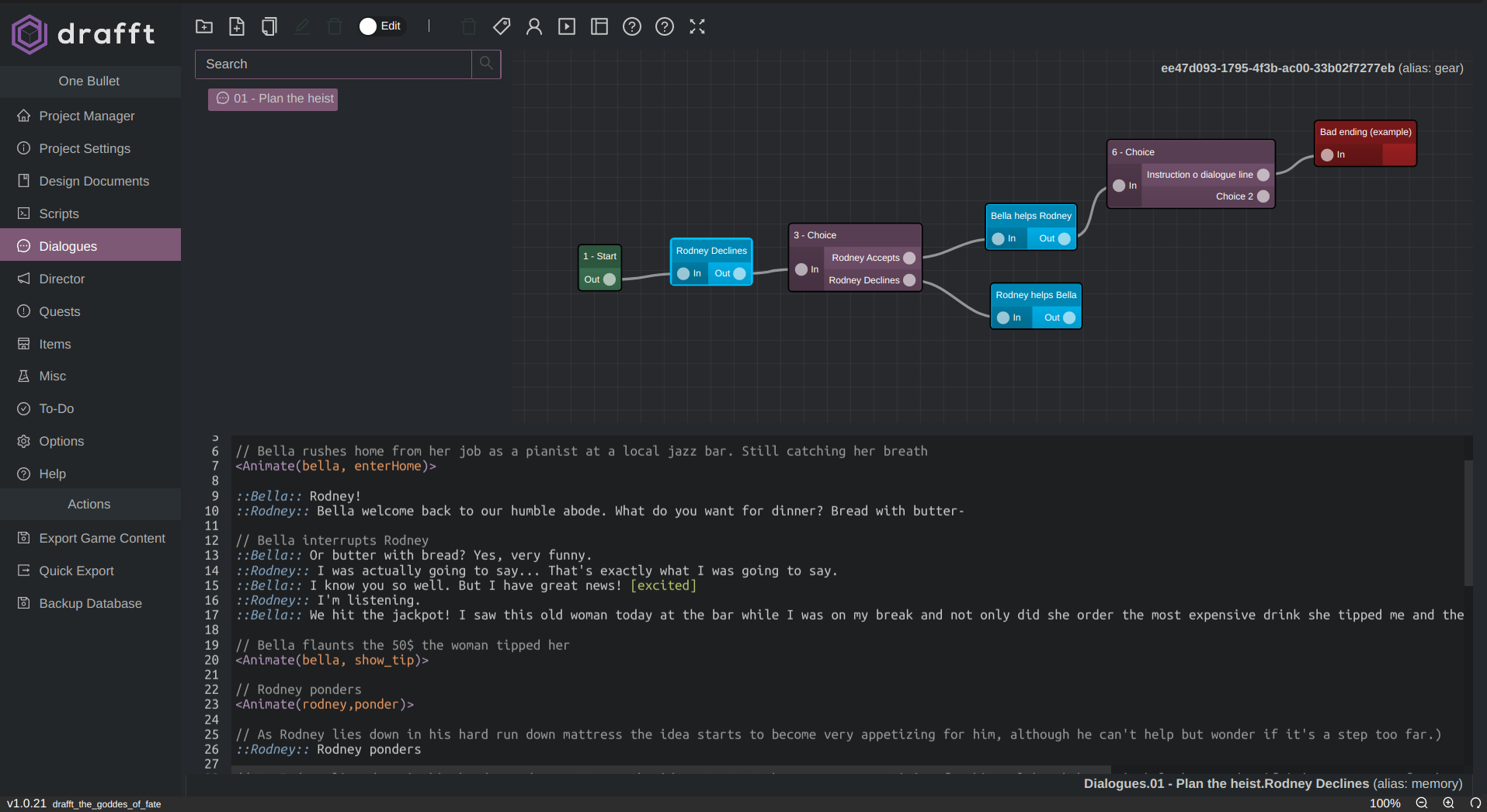
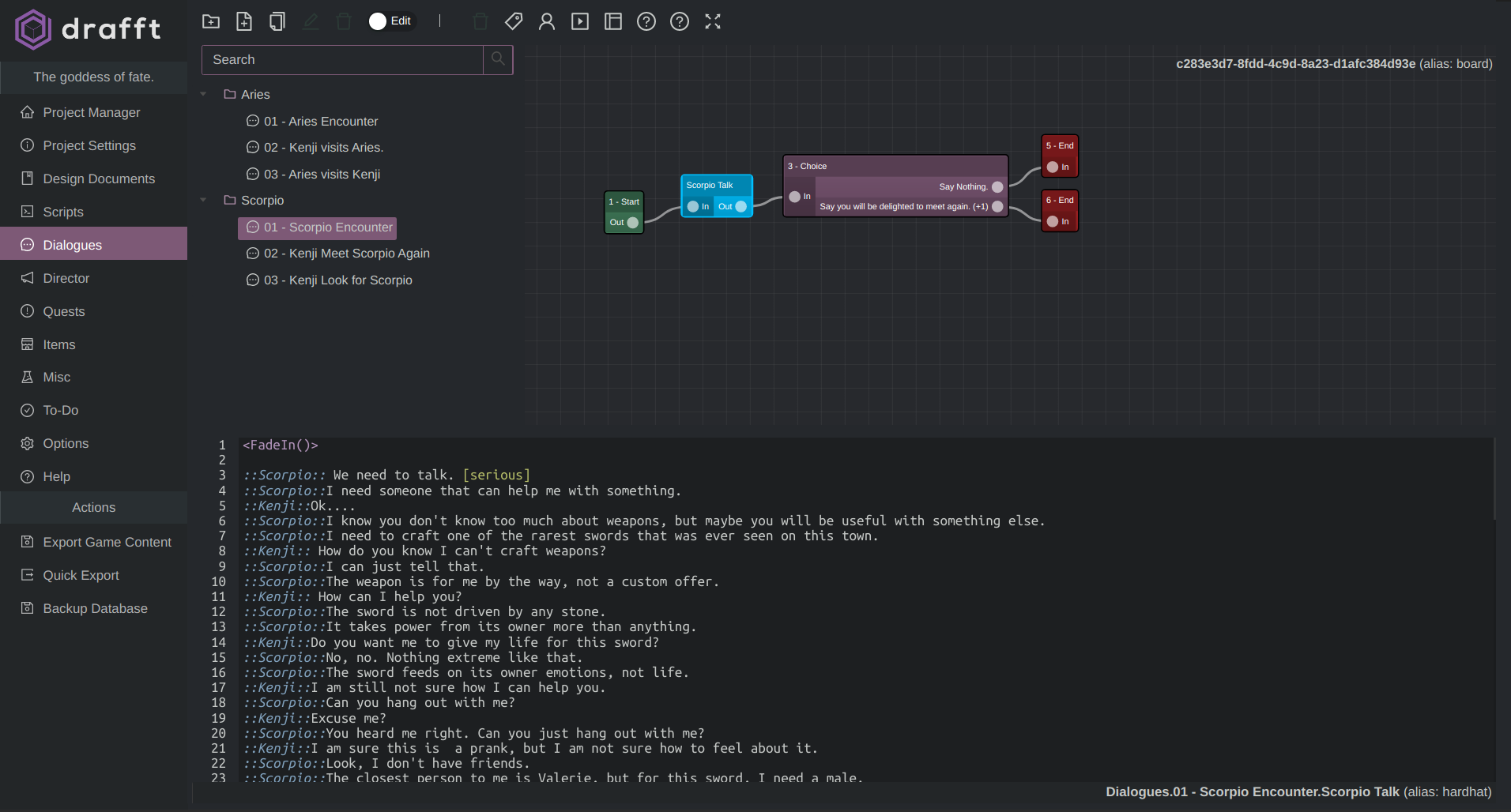
- Non linear branching dialogue tree editor .
- Much more!
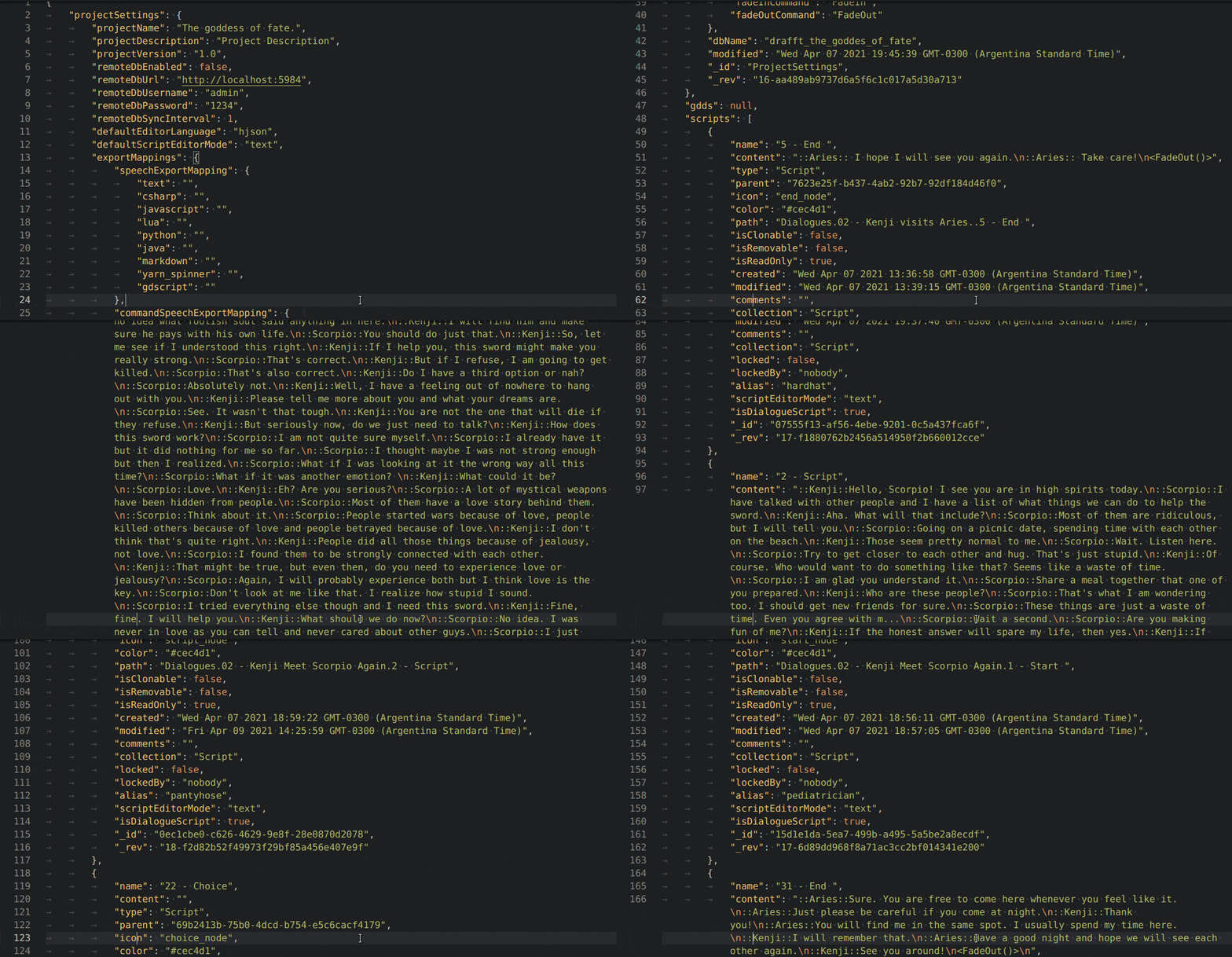
Once you are done, export game-ready data in plain JSON format and use it in any engine.
You can use the software for free for as long as you want, with all the options included and no missing features.
If you love it – and I hope you will – you can purchase v2 version over https://drafft.dev .
Drafft
licence is very reasonably priced. If you enjoyed the software or you
find it useful please consider supporting development by purchasing
the new version. Purchasing the software is the best way to support
future development.
Diving into Drafft
Drafft is a powerful and versatile tool. Here are all the cool features you get when you download the software:
- Central Repository: Store, organize, sift through, and edit your data all in one place. Use it offline your hard-drive and sync optionally sync it to a remote couchdb database.
- Collaborative Platform: Work on your projects with anyone you choose. Several users can work on the same database and sync any changes in real-time. (a couchdb server is needed)
- Engine Agnostic: Export in standard JSON format for varied usage
- Aesthetic UI Experience: Bring your ideas to life using a visually appealing interface
Game Design Documents
Drafft offers complete control over your Game Design Document (GDD). Create your GDD instantly and share concepts with your team. Each member gets access to the centralized GDD. It is that simple!
You can also use the GDD editor to jot down quick notes, thoughts, and ideas in whichever format you prefer. Drafft supports Gifs, Images, Videos, To-Do Lists, among many others. Sky’s the limit here.
https://drafft.aboni.dev/en/docs/features/game_design_document.html
Scripting
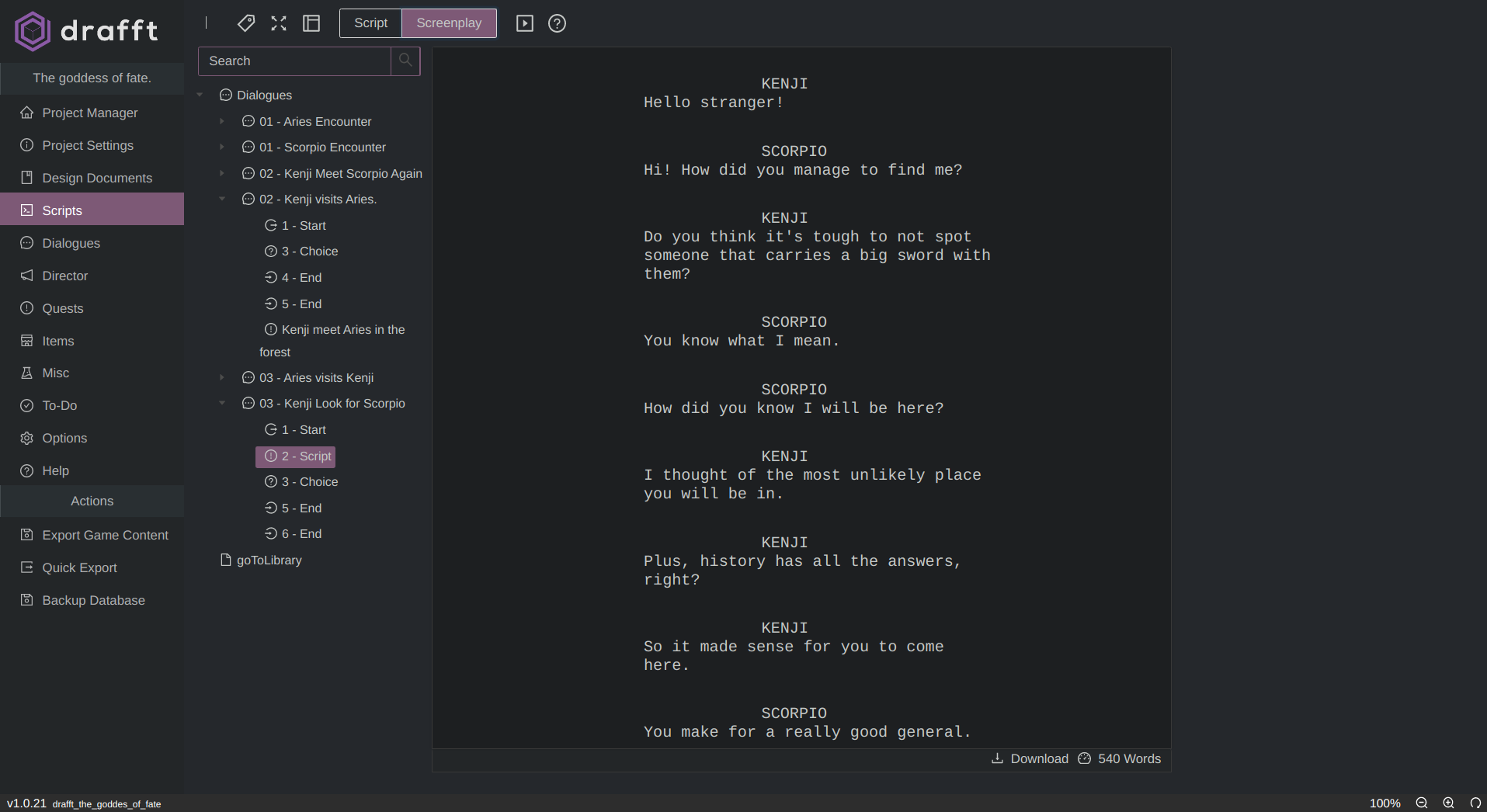
Someone needs to tell your game’s characters what to do… I mean you, of course! Use Drafft’s powerful script editor to create immersive dialogue and scenes that flow seamlessly into one another.
The scripting tool features auto-generated standard screenplay documents and supports several programming languages. The tool helps extract and identify text for Voice Overs (Vos), Emotions, Commands, and Functions.
Everything is converted to standard JSON when you export, making the scripting process just how it should be: painless, efficient, and creative.
https://drafft.aboni.dev/en/docs/features/script_editor.html
Powerful Dialogue Editor
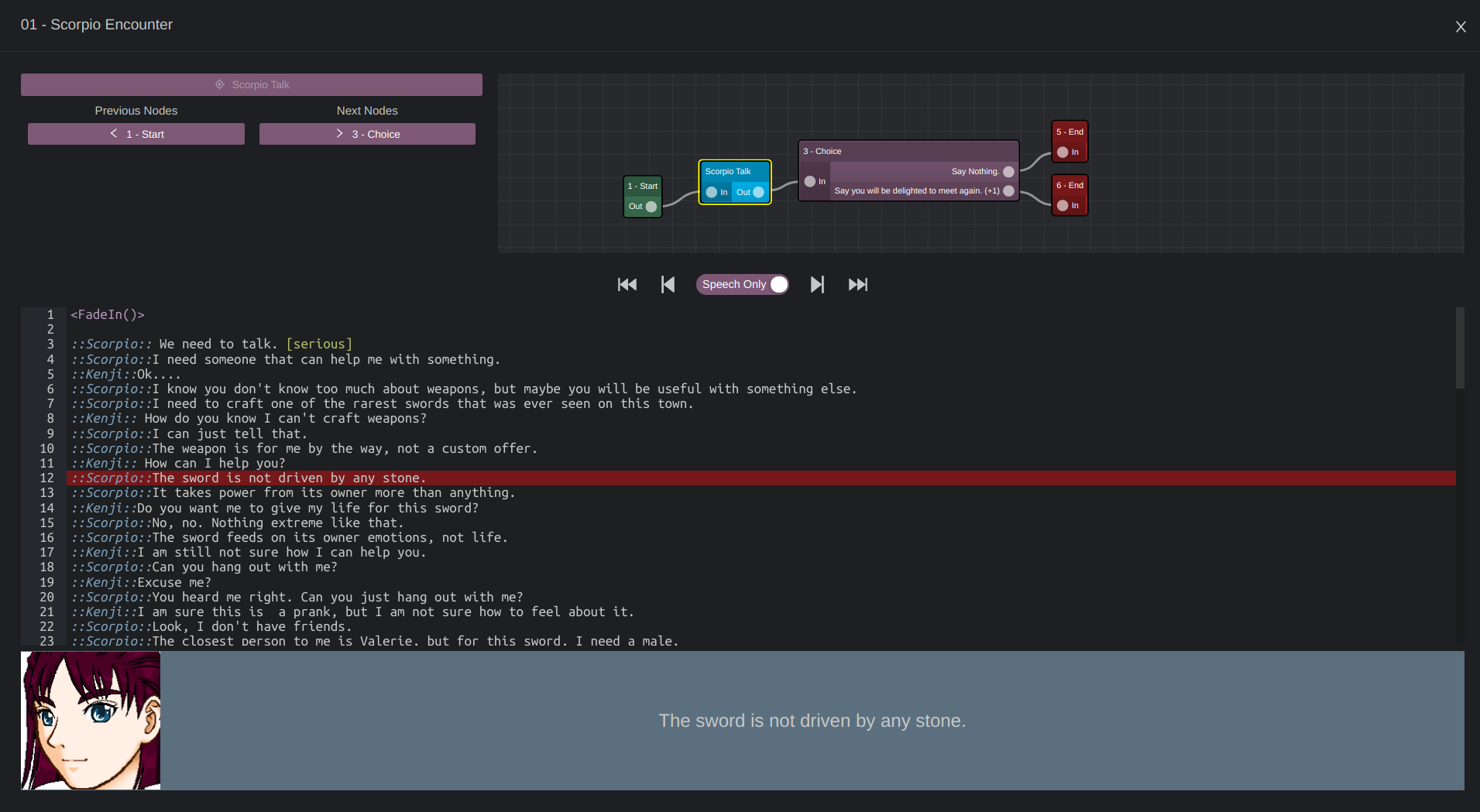
Drafft combines two excellent methods for displaying complex non-linear dialogue: the Non-Linear Branching Tree Graph with linked Scripts.
Drafft offers you an organized tree structure so you can follow the scene and a versatile scripting editor, so you don't have to write in congested boxes. And voila! You get a flowing story, and no need to pigeonhole your script.
You can also create intricate scenes without adding a bunch of tree nodes to the screen. However, a visual representation made with tree nodes will help you picture all possible outcomes as well.
Use Drafft to play out your best story.
https://drafft.aboni.dev/en/docs/features/dialogue_tree_editor.html
The Director Module
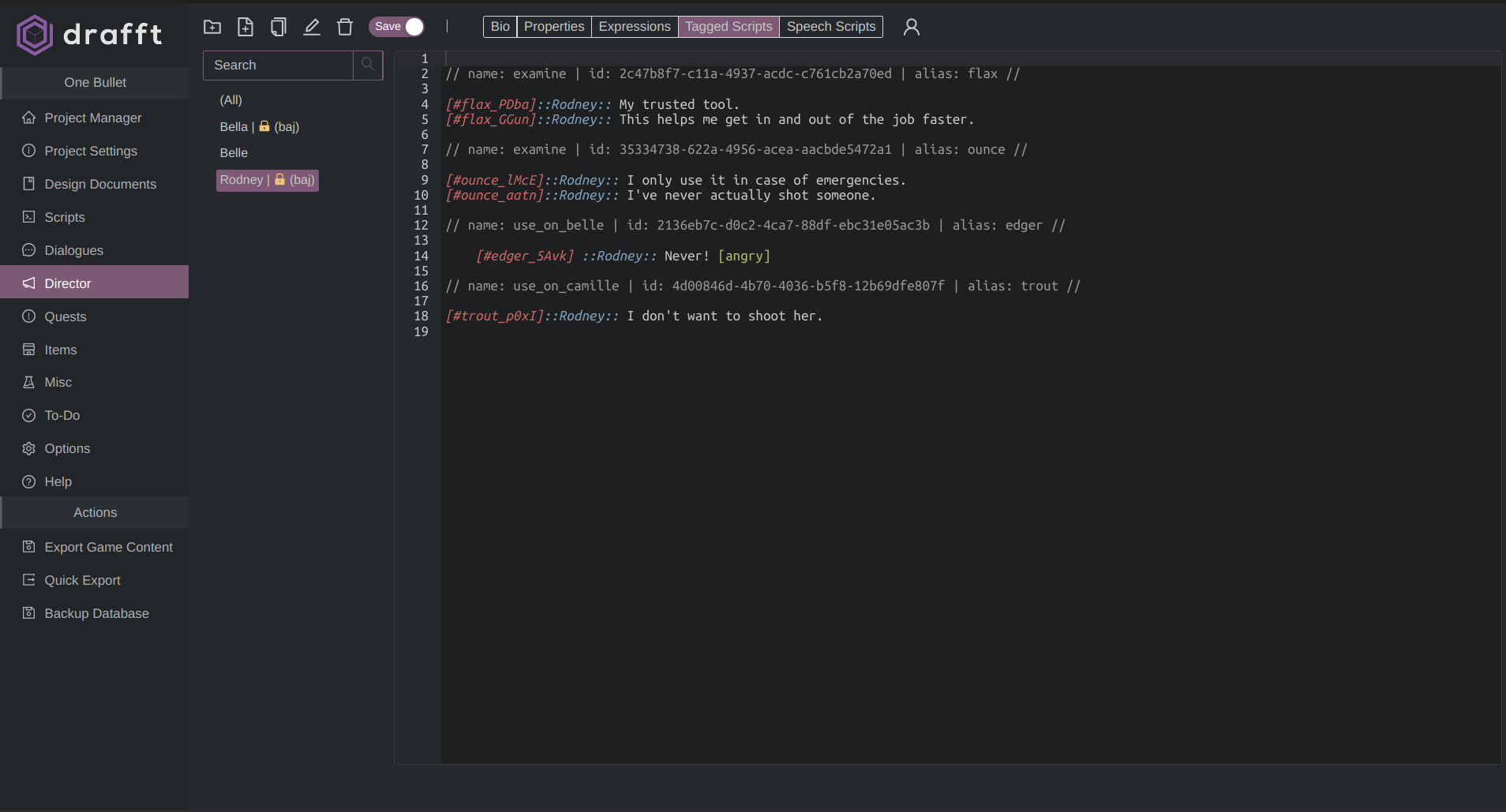
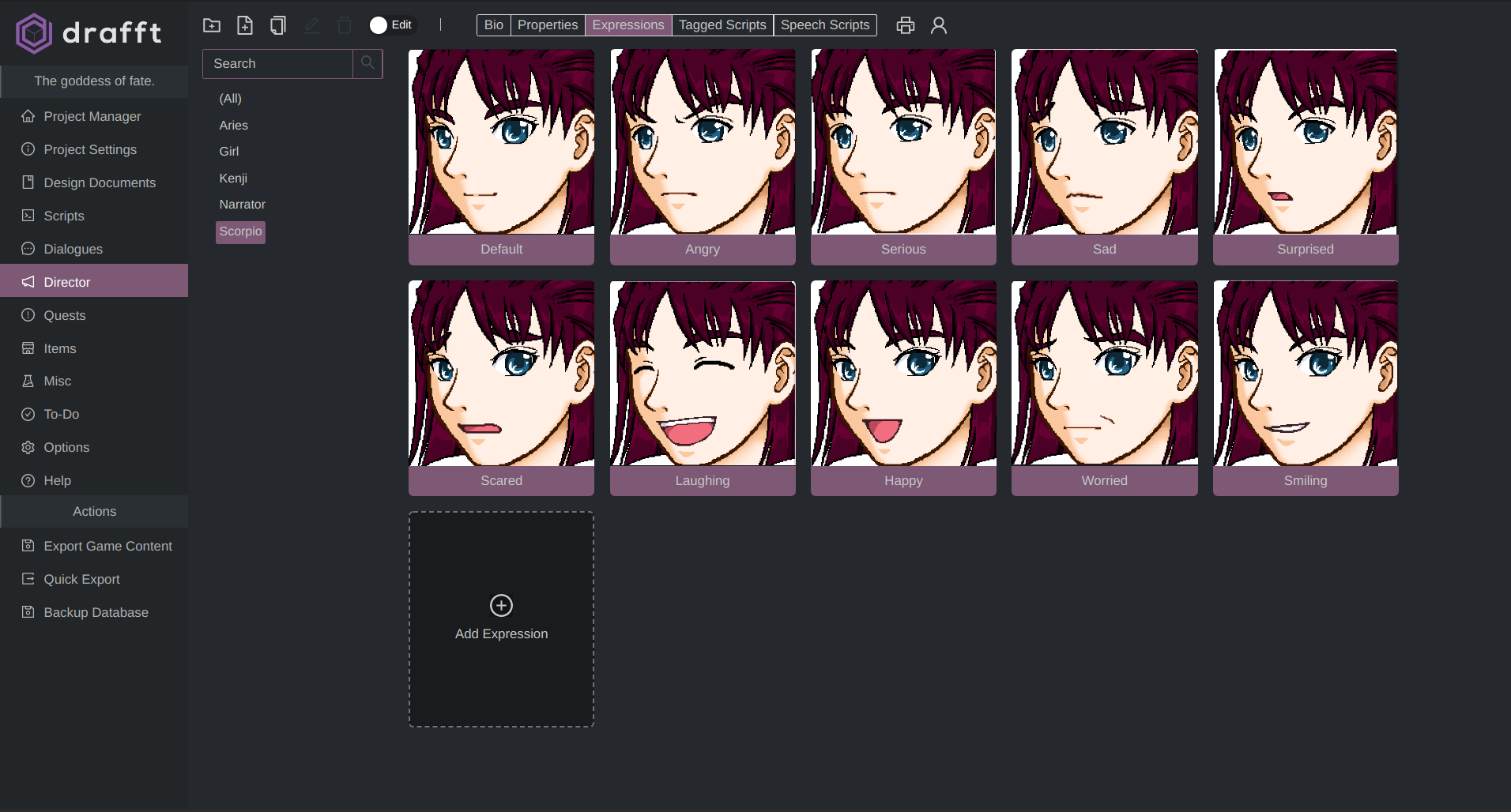
This Behind the Scenes (BTS) module is where you shine. Feel free to direct your project as much as you want. List down any additional character info for either VO artists or to add depth to your GDD.
Use the module functionality to accomplish key tasks: export VO scripts in standard script format or as a text file and export tagged lines for audio processing, clip identification, and localization.
Additional Standard Editors
Here are some fun Drafft extras you may find useful:
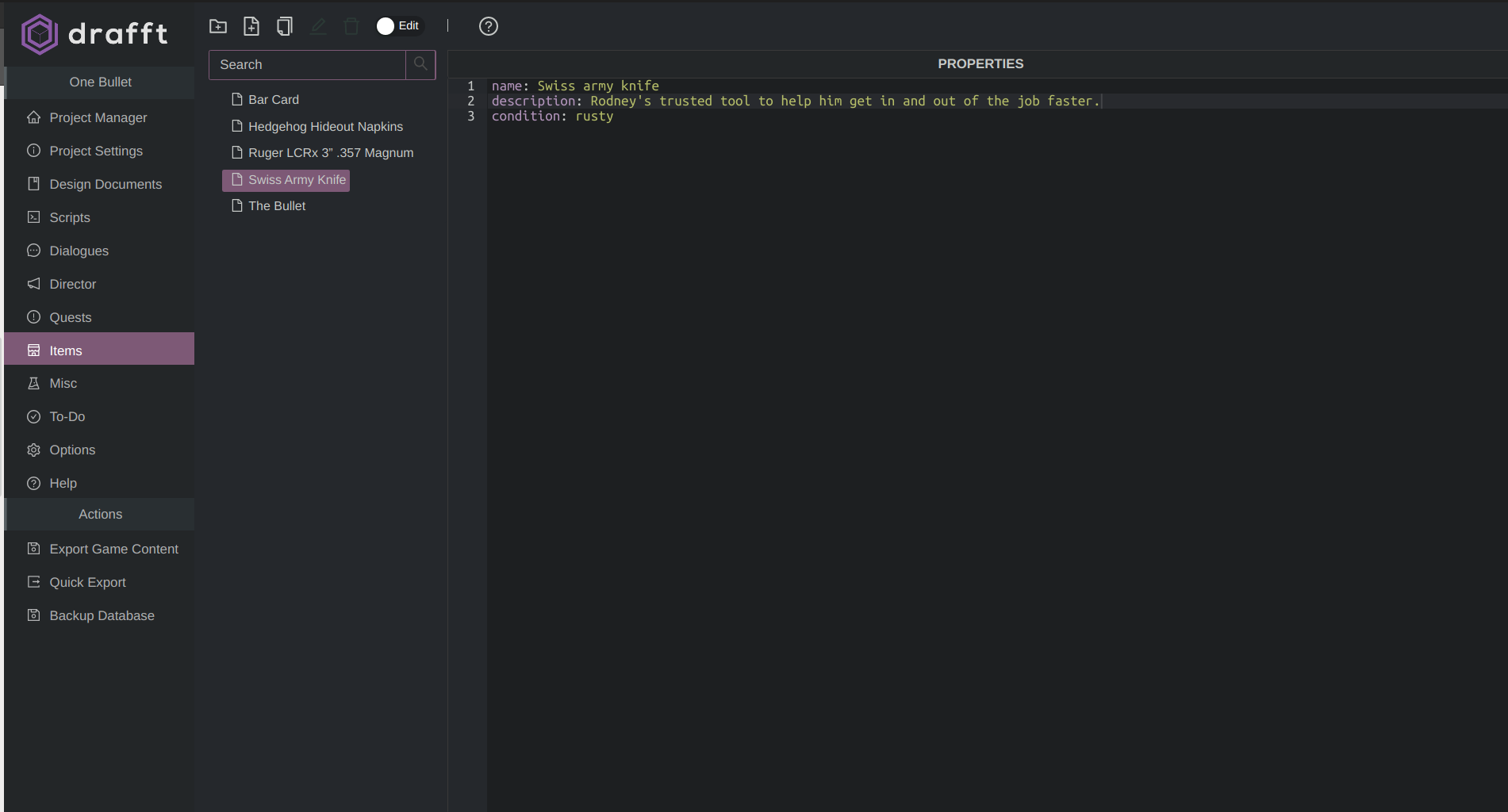
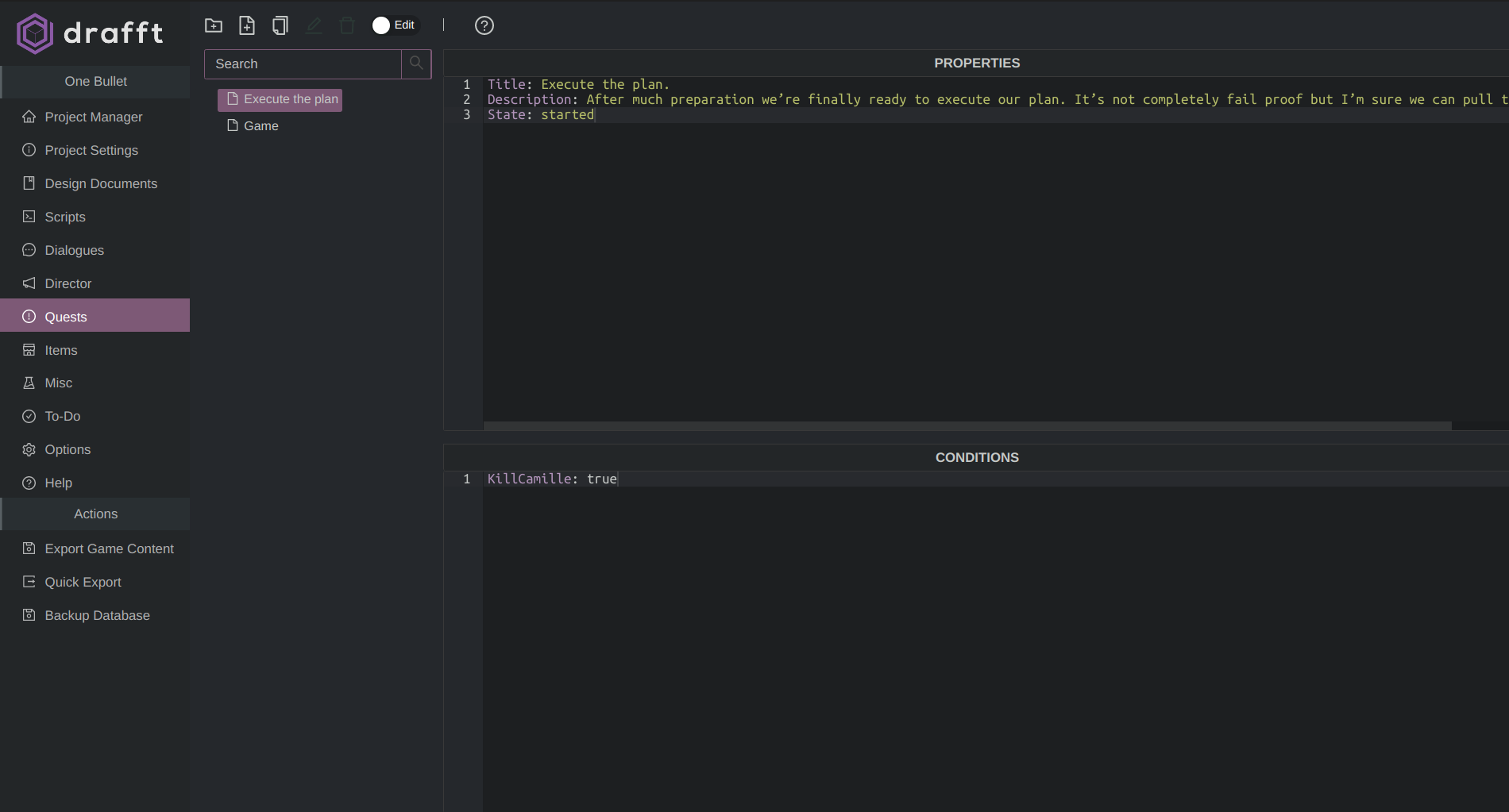
- Quests: these can be drawn-out quests, linked objectives, or just properties that need to be checked off your characters' list during the game
- Items: create an Items database where you can assign them custom properties to be used in your game
- Grids: Input fixed schema data in excel-like spreadsheet tables.
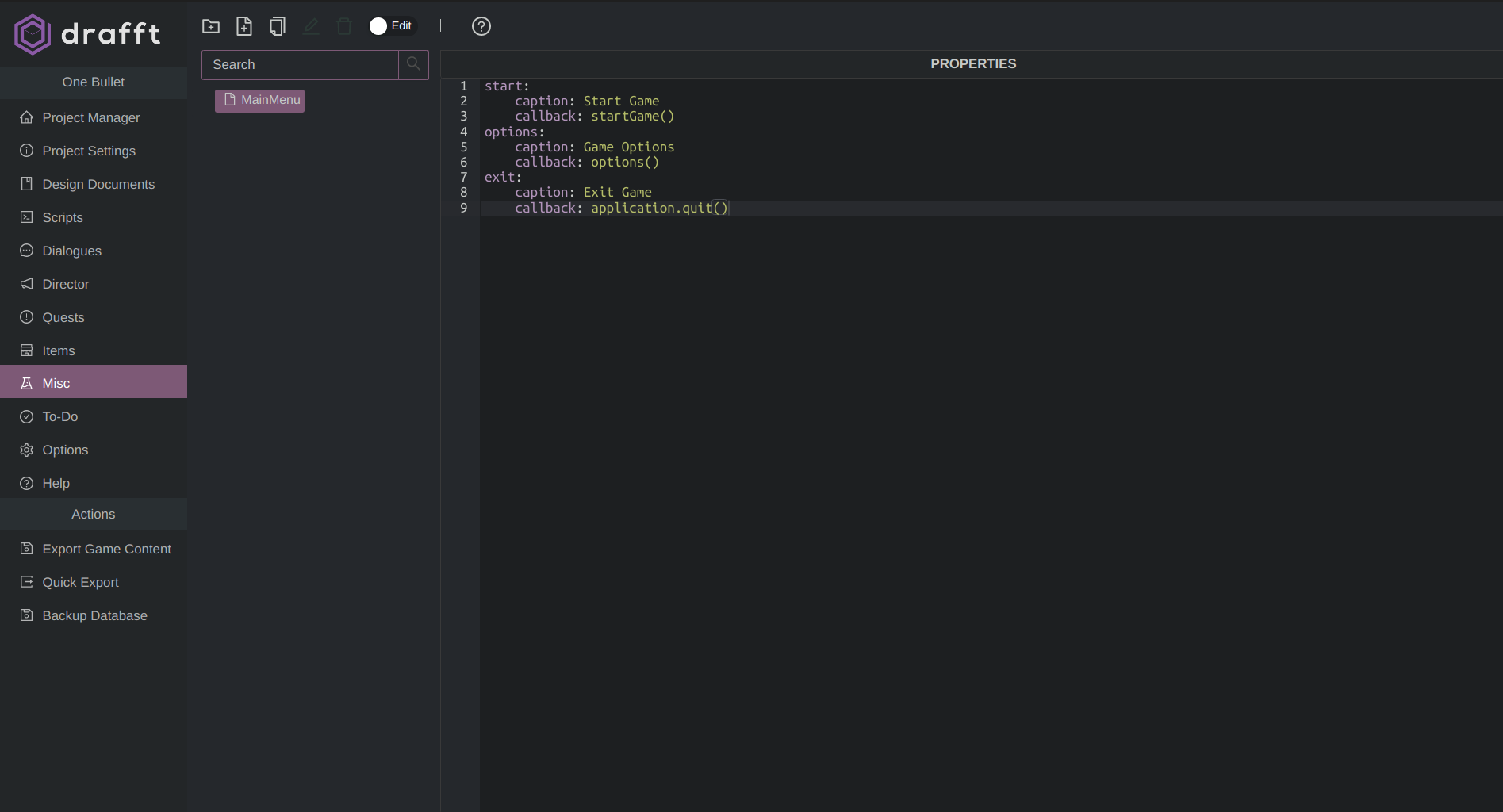
- Misc Objects: these can be any type of JSON object that can be exported to the engine. You can use these for main menus, default options, and more.
https://drafft.aboni.dev/en/docs/features/quests.html
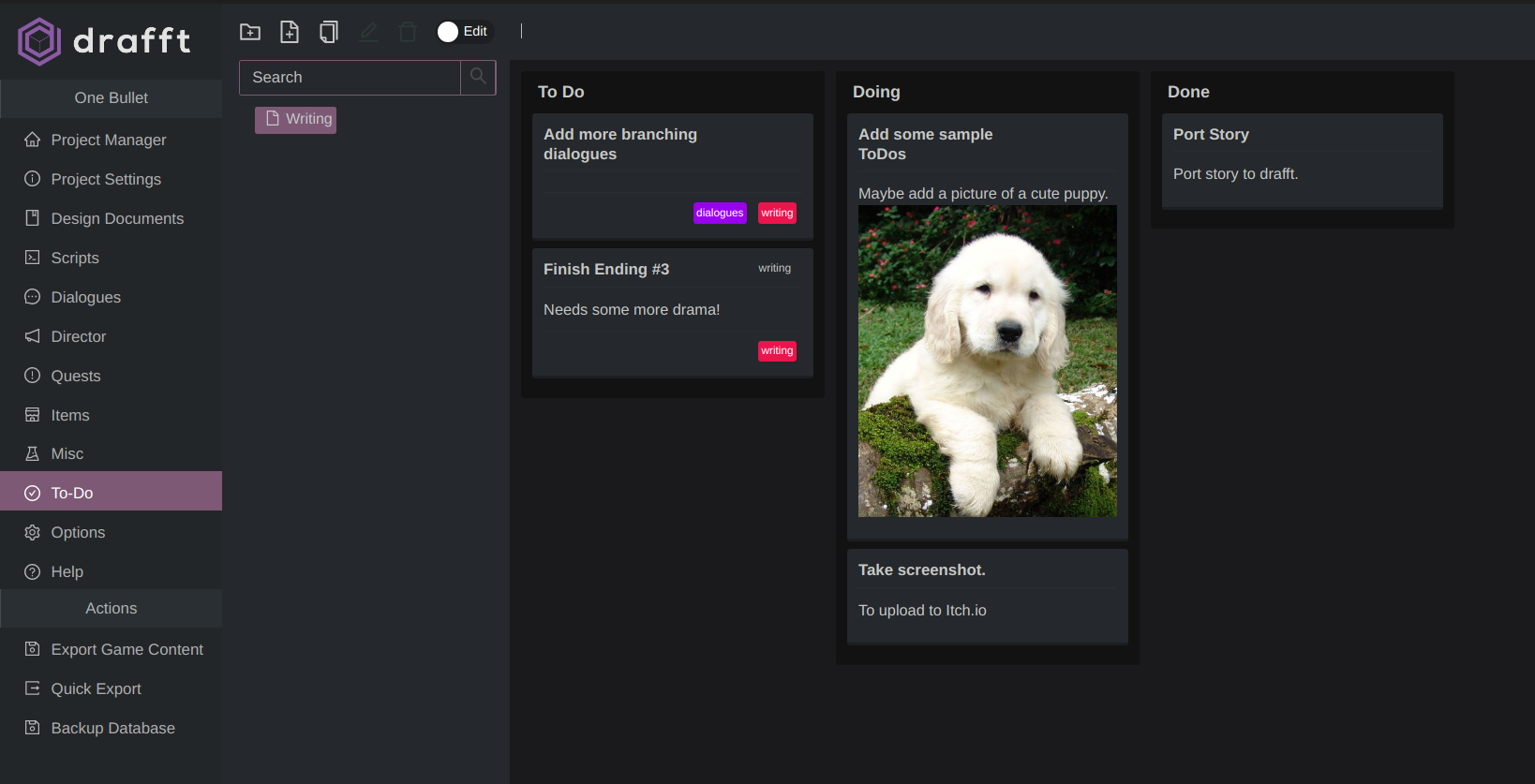
Kanban Boards
Don't lose any of your brilliant ideas or inspiration flashes. Jot down any notes or to-dos, or any markdown content within your project. You can still use other tools like Trello, but having this in-software will make it easier to remember your brainwaves.
Customizable Export Mappings
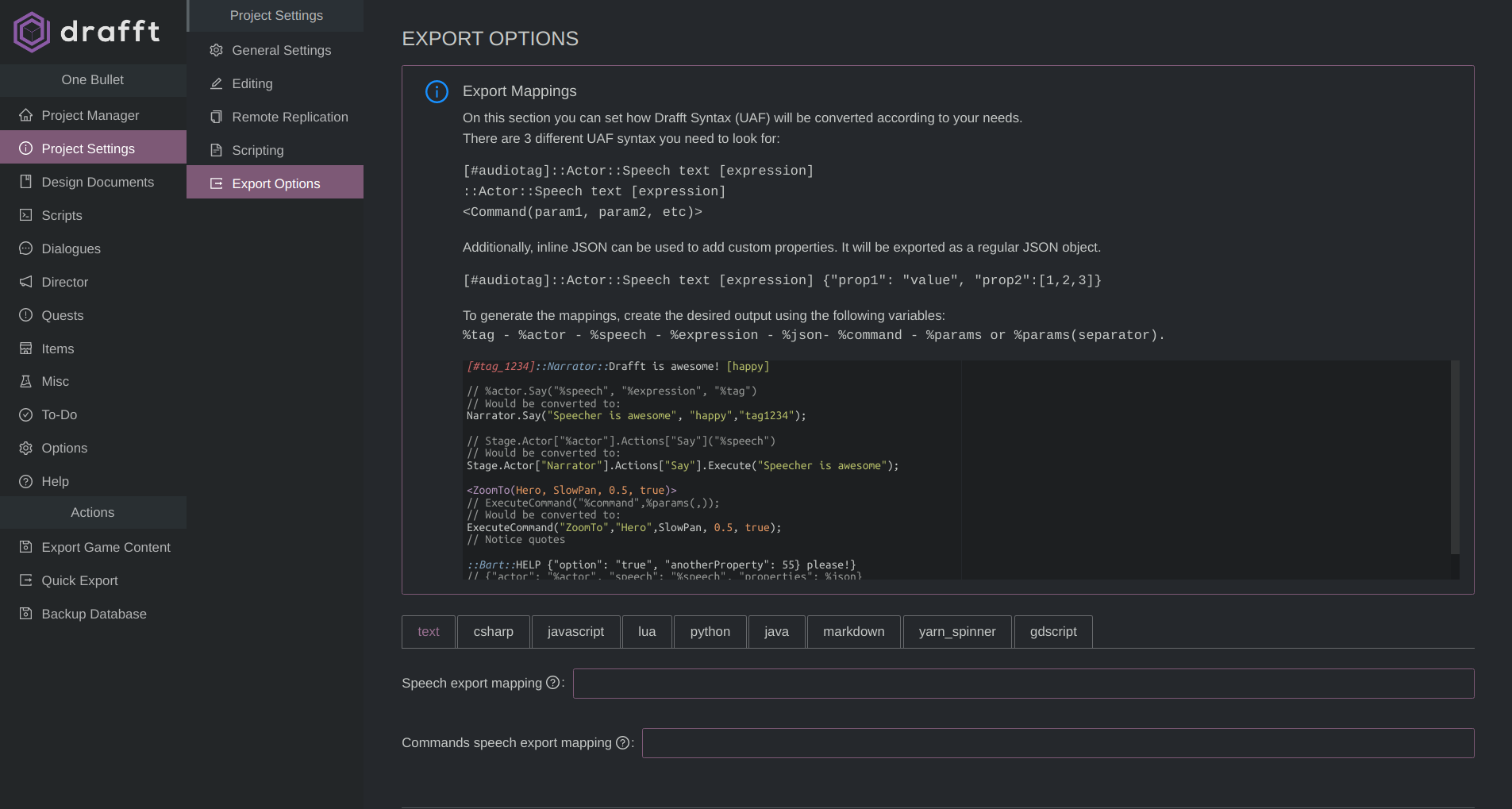
If you want custom implementations, you can completely rewrite Drafft’s scripting syntax at export to conform to the target language.
For example, if you’re using C#, you could theoretically map <Commands> to standard C# classes and use reflection to avoid writing any parser at all!
https://drafft.aboni.dev/en/docs/features/export-mappings.html
Disclaimer
The
software
is currently in beta
stage,
and will receive updates regularly over time improving the stability
of the program. Please
always make backups of your data (you can manually do it via the app
or set up the auto backup option)
License:
- You are not allowed to sell or rent this software.
- This software is provided "as-is", with no express or implied warranty.
- In no event will the author be held liable for any malfunction or damage arising from the use of this software.
Download
Click download now to get access to the following files:
Development log
- Moving Forward: Drafft's FutureApr 02, 2025
- Drafft 2 - New features overviewFeb 24, 2025
- Drafft 2 Devlog - Keyboard ShortcutsJan 30, 2025
- Drafft 2 - Image embed and document references.Apr 03, 2024
- Drafft 1.4.3 - Fix "Can't add or detect actors bug" in WindowsMar 24, 2024
- The future of DrafftMar 13, 2024
- Drafft 1.4.2 - BugfixesAug 31, 2023
- Bugfix updateAug 28, 2023